





















How do I pay with Google Pay?
Modified on: Thu, 20 Aug, 2026 at 6:25 PM
You can use Google Pay to pay for your holiday, but only at the time of making the booking, and only if you're paying your holidays in full and have a compatible device. We do not accept American Express using any payment method.
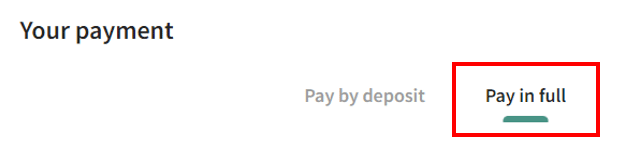
After you’ve found the right holiday, added any extras and entered in the name of who’s going, you'll get to the payment section. Here, if you have the option to pay by deposit, you’ll need to pick 'pay in full' - shown below.
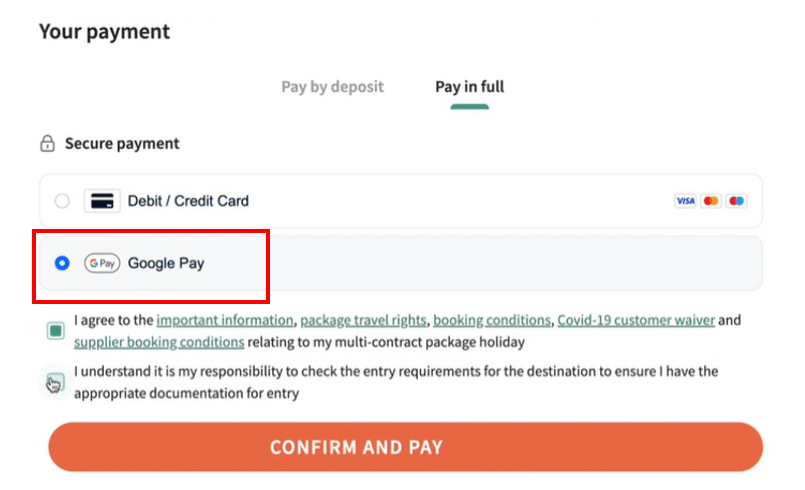
- Choose Google Pay
- Click ‘Confirm and Pay’ and the screen will walk you through the process.
Need support in setting up this payment method on your device? We've added a link to help >> Google Pay.